
.
Shortcuts on your computer keyboard can help save you time when you’re working in Microsoft Word.
Here’s today’s shortcut:

“Align text center” means that in Microsoft Word, the highlighted text and/or paragraph that you are currently in will move to a place equidistant from the sides of the page/document.
For Example:
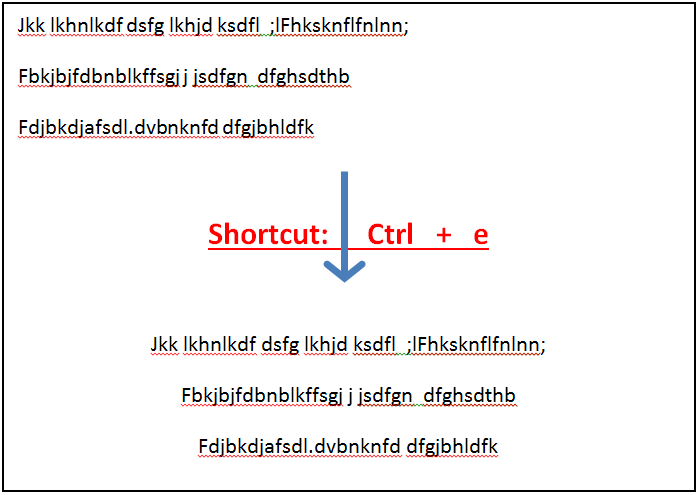
.
[/et_pb_text][et_pb_text _builder_version=”4.23″ _module_preset=”default” hover_enabled=”0″ sticky_enabled=”0″]1. Want to strengthen your business security? Check out these cybersecurity IT services in Montvale, NJ to learn how your systems can be protected 24/7.
2. Looking to improve your business technology and reduce IT issues? Discover how IT support services in Ridgewood, NJ can help you stay productive and secure with 24/7 monitoring and expert assistance.
[/et_pb_text][et_pb_blog _builder_version=”4.23″ _module_preset=”default” hover_enabled=”0″ sticky_enabled=”0″][/et_pb_blog][/et_pb_column][/et_pb_row][/et_pb_section]